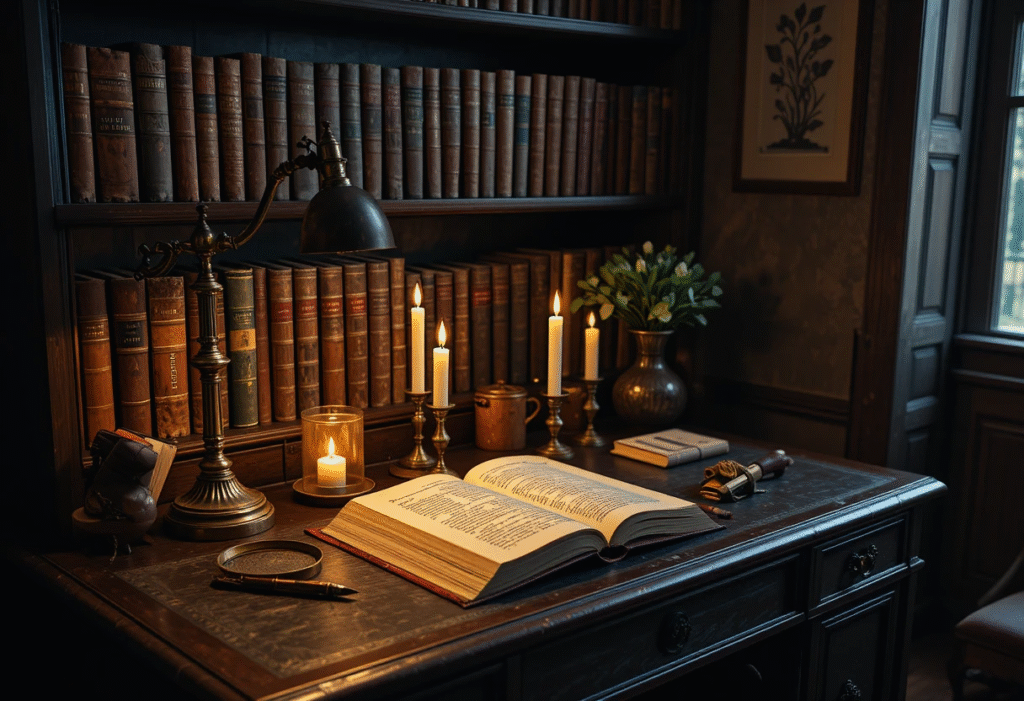
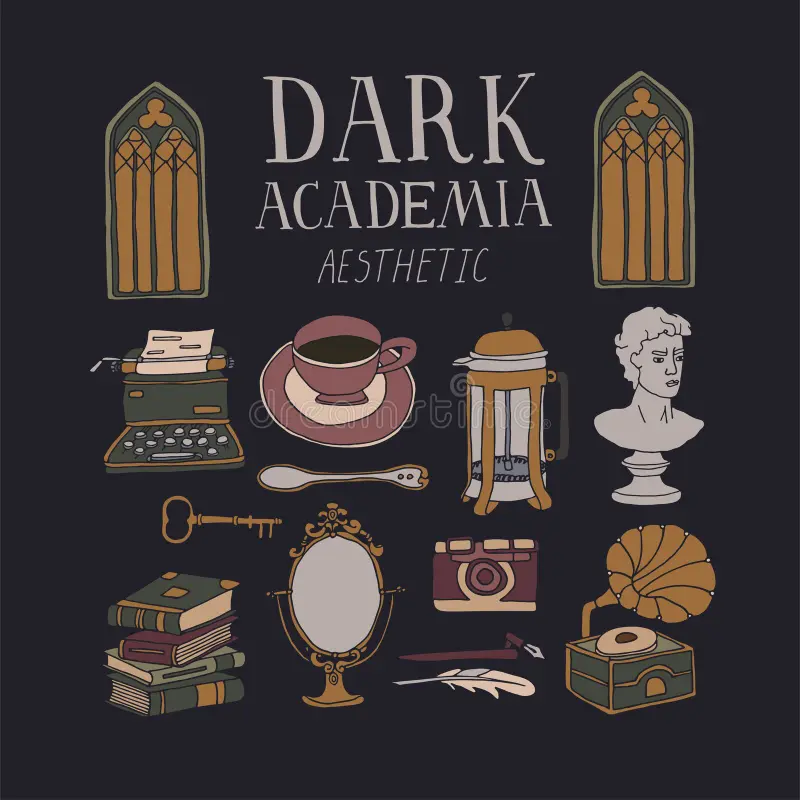
Dark Academia vintage clip art is the digital heartbeat of the scholarly aesthetic. In a world where visual storytelling is increasingly dominated by sleek, modern graphics, these aged, hand-drawn assets offer a nostalgic rebellion. They are the essential building blocks for digital journals, website design, academic posters, and “studygram” content. This style of clip art doesn’t just decorate; it communicates a commitment to history, science, and the romanticization of learning.
To master the use of Dark Academia vintage clip art, one must understand that these are more than just pictures. They are symbols. A sketch of a human heart isn’t just an anatomical diagram; it’s a representation of the “tragic romantic” spirit. A vintage map isn’t just a navigation tool; it’s a portal to a world that no longer exists.
1. The Digital Aesthetic: Why “Vintage” Matters
Before downloading a single file, we must explore why Dark Academia vintage clip art has become a cornerstone of modern digital design.
The Romance of the Hand-Drawn
The core of Dark Academia is the rejection of the “sterile.” Modern clip art is often too perfect—perfect circles, perfectly smooth lines, and vibrant, neon colors. Vintage clip art, conversely, is filled with “beautiful errors.” The slight bleed of ink, the uneven pressure of a 19th-century etching, and the foxing (age spots) on the digital paper background provide a tactile depth that modern graphics cannot achieve.
Building a Narrative with Icons
When you use Dark Academia vintage clip art, you are building a story.
-
The Naturalist: Uses botanical ferns, mushrooms, and beetles.
-
The Philosopher: Uses marble busts, Greek pillars, and weathered books.
-
The Astronomer: Uses celestial charts, globes, and telescopes. Using these categories allows you to theme your digital projects with specific intellectual identities.
2. The Primary Categories of Academic Imagery
To effectively source and use Dark Academia vintage clip art, you must know what specifically to look for. The aesthetic is divided into several technical sub-genres.
Anatomical and Biological Illustrations
These are perhaps the most popular assets within the niche.
-
Human Anatomy: Skeletal hands, rib cages, and intricate sketches of the brain.
-
Entomology: Highly detailed etchings of butterflies, moths, and beetles under glass.
-
Botanicals: Pressed flowers, dried herbs, and fern fronds that look like they were pulled from a 19th-century herbarium.
Scholarly Tools and Ephemera
No digital study nook is complete without the tools of the trade.
-
Writing Instruments: Feather quills, ink pots, fountain pens, and stacks of yellowed parchment.
-
Timepieces: Mechanical pocket watches, hourglasses, and sun dials.
-
Bibliophilia: Stacks of leather-bound books, open manuscripts, and ornate bookends.
3. Technical Requirements: Quality and Format
Not all Dark Academia vintage clip art is created equal. To ensure your designs look professional, you must understand the technical specifications of your assets.
Vector vs. Raster Which do you need?
-
Vector (SVG/EPS): These are mathematically defined lines. They are best for logos or large posters because they can be scaled infinitely without losing sharpness.
-
Raster (PNG/JPG): These are made of pixels. For the Dark Academia aesthetic, high-resolution PNGs with transparent backgrounds are the gold standard. They allow you to layer a “weathered book” over a “moody paper” background seamlessly.
Sourcing the “Digital Patina”
True vintage clip art is often sourced from Public Domain archives (books printed before 1928). When sourcing, look for scans that have been “cleaned” of background noise but have kept the “grain” of the original printing process. This grain is what gives the art its authentic historical weight.
This is Segment 2 of 3, focusing on advanced digital composition, the application of “Digital Patina,” and the psychology behind scholarly icons in Dark Academia vintage clip art.
4. Advanced Composition: Layering and Blending Techniques
To make Dark Academia vintage clip art look like a cohesive part of a design rather than a simple “sticker,” you must master the art of digital layering. This is where the aesthetic moves from a hobbyist level to a professional, “curated” look.
The “Shadow and Depth” Principle
In Dark Academia, objects rarely exist in a vacuum. To create a realistic digital study, you should apply subtle drop shadows to your clip art.
-
Technical Tip: Use a “Multiplication” blend mode in your design software for shadows. Set the color to a deep, warm charcoal rather than pure black. This mimics the way ink and paper interact in low-light environments.
-
Layering Order: Place larger “environmental” assets (like a vintage desk or a stack of books) in the background, and smaller “curiosities” (like a magnifying glass or a single butterfly) in the foreground.
Color Grading for Digital Unity
One of the biggest mistakes in using Dark Academia vintage clip art is mixing assets with different color temperatures.
-
The Sepia Standard: If one image is a stark black-and-white scan and another is a yellowish parchment scan, they will clash. Apply a consistent “Warm Amber” or “Sepia” overlay across all assets to unify the design. This creates the illusion that all items were pulled from the same dusty archive.

5. The “Paper of History”: Digital Textures as a Backdrop
The canvas is just as important as the art. For Dark Academia vintage clip art to shine, it needs a surface that suggests age, weight, and a history of being handled.
Sourcing Authentic Paper Textures
-
Parchment and Vellum: Look for textures that have visible fibers and “deckled” (uneven) edges. These suggest a hand-made quality.
-
Foxing and Water Stains: These “imperfections” are high-value in the aesthetic. A subtle water ring from a “ghostly” coffee cup or coffee stains on the corners of the digital page adds a layer of lived-in realism.
-
Technical Tip: When placing clip art on a textured background, set the image blend mode to “Multiply.” This allows the texture of the paper to “show through” the dark lines of the clip art, making it look printed onto the paper rather than floating above it.
6. The Psychology of Scholarly Icons
Why do certain images resonate so strongly within this aesthetic? Understanding the symbolism behind Dark Academia vintage clip art allows you to create more meaningful designs.
Memento Mori: The Tragic Scholar
Skulls, hourglasses, and wilting flowers are staples of the “Memento Mori” (remember you must die) tradition. In Dark Academia, these icons serve as reminders that time is short and the pursuit of knowledge is urgent. Using a skull clip art next to a stack of books suggests a life dedicated to deep, existential study.
The Victorian Naturalist
Images of birds, eggs, and detailed insects represent the “ordering of the world.” This sub-genre of Dark Academia vintage clip art appeals to the desire for structure and discovery. It evokes the feeling of a 19th-century laboratory or a private collection in a manor house.
7. Digital “Foxing” and Wear: DIY Aging Techniques
If your clip art looks too clean, you can manually add the “wear of centuries.”
-
The Eraser Tool: Use a low-opacity, “grunge” textured brush for your eraser. Lightly go over the edges of your clip art to “fringe” the lines, mimicking the way ink fades over decades.
-
Noise Overlay: Adding a 1–2% “Film Grain” or “Noise” effect to your final composition breaks up the digital smoothness and gives the art a tactile, printed quality.
-
The “Sun-Bleach” Effect: Reduce the saturation of your clip art by 20%. Vintage prints rarely maintain their deep, original blacks; they often fade into a dark, charcoal-grey.
8. Technical Glossary: 10 Terms for the Digital Scholar
To master the application of Dark Academia vintage clip art, one must understand the professional terminology used in digital archiving and design.
-
Foxing: The age-related process that causes brown spots and “freckles” on old paper; essential for creating a realistic digital background.
-
Ephemera: Historically, items intended for short-term use (postcards, tickets, pamphlets). In clip art, these are high-value “scrappy” assets.
-
Engraving: A printmaking technique where lines are cut into a metal plate. Clip art of this style features fine, cross-hatched lines.
-
Halftone: A reprographic technique that simulates continuous tone imagery through the use of dots. Often found in mid-century academic clip art.
-
Bleed: The way ink spreads into the fibers of paper. Digital “bleed” effects make clip art look authentic rather than sharp.
-
Transparency (Alpha Channel): The background-free property of a PNG file, allowing you to layer a skull or book over any texture.
-
Skeuomorphism: A design principle where digital items mimic their real-world counterparts (e.g., a digital journal that looks like leather).
-
Vignette: A dark, blurred border around an image that draws the eye to the center, a staple of the moody Dark Academia look.
-
Public Domain: Creative works whose intellectual property rights have expired; the primary source for authentic vintage assets.
-
Vectorization: The process of converting a pixel-based image into a scalable vector (SVG), allowing for large-scale printing.
9. FAQ for Dark Academia Vintage Clip Art
Q: Where can I find high-quality, free Dark Academia vintage clip art? A: The best sources are institutional archives. The Biodiversity Heritage Library (BHL) offers thousands of free, high-resolution botanical and animal sketches. The British Library and the Metropolitan Museum of Art also have extensive “Open Access” collections where you can find etchings of architecture and classical art. For curated sets, Rawpixel’s Public Domain section is a favorite among “studygram” designers.
Q: Do I need a commercial license to use vintage clip art in my small business? A: It depends on the source.However, some digital artists “restore” these images and sell them with a specific license. Always check the terms: “CC0” means you can use it for anything; “Personal Use Only” means you cannot use it on products you sell.
Q: How do I remove the white background from a vintage scan? A: If you aren’t using a pre-made PNG, the best method is the “Multiply” blend mode in software like Photoshop, Canva, or Procreate. This makes the white background transparent while keeping the dark lines visible. Alternatively, use a “Remove Background” AI tool, but be careful—these often smooth out the “vintage grain” that makes the art look authentic.

Conclusion: The Future of the Digital Past
Mastering the use of Dark Academia vintage clip art is an act of digital preservation. By integrating these 19th-century illustrations into modern projects, you are ensuring that the beauty of the “hand-drawn” survives in the age of AI and automation. Whether you are designing a digital planner for university or a brand identity for a bookstore, these assets provide a sense of gravity and history that modern graphics simply cannot offer.
The “Archive” is always open. Start with a single botanical leaf or a weathered ink pot, and let your digital workspace become a sanctuary for the scholarly soul.